
About
One job, done properly
ResizePictures started as a quick way to shrink a photo for e-mail. Version 2 keeps that promise — resize a picture in three steps — and rebuilds everything underneath so that the picture never has to leave your computer.
Why version 2
Built for people, not for photo editors
The first ResizePictures grew an icon generator, an image editor and a blog. This version drops all of that and concentrates on the thing people actually came for.
Most people who need to resize a picture are not designers. They have a photo that is too big for a form, a profile picture that must be square, a scan that needs to be 35 × 45 mm, or a phone photo that opens sideways. They want it fixed in a minute and they do not want to learn a program to do it.
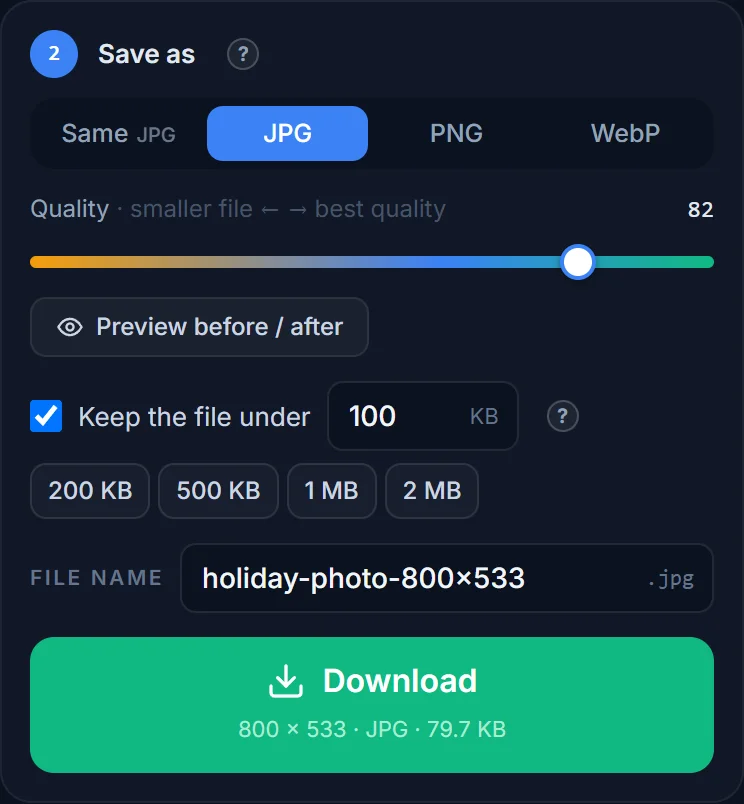
So the resizer speaks plain English. Every control says what it does — Keep the file under 500 KB, Circle, Rotate right — and shows the result before you download: the new size, the new file size, and a preview of exactly what will be saved. Ready-made sizes for Instagram, Facebook, passport photos and prints take care of the numbers for you.
Under the hood it borrows the ideas of a good desktop photo editor — resize by pixels, percent, inches or centimetres at any DPI; crop to any ratio; rotate and flip; JPG/WebP quality with a live size estimate — but packaged so that none of it gets in the way.
How it works
Your browser does the work
The old site uploaded every picture to a server, resized it there and handed back a link. Version 2 does the opposite: the whole job — opening the file, cropping, rotating, resampling and saving — runs as JavaScript inside your browser, on your own device. It is faster (no upload, no waiting for a queue), it works on a slow connection, and a family photo or an ID scan is never copied anywhere.
The only time our server touches an image is when your browser cannot open the format by itself — HEIC photos from an iPhone, TIFF scans, Photoshop files, SVG drawings. Those are converted to a normal image in memory and discarded straight away.
What you get
Quality you would expect from desktop software
- Sharp downscaling. Pictures are resampled with a Lanczos-class filter, the same family of algorithms desktop editors use, so a 4000-pixel photo shrunk to 800 pixels stays crisp instead of turning mushy.
- Correct orientation. The orientation tag phones write into photos is respected, so pictures open the right way up.
- Honest file sizes. The size shown next to the Download button is the real size of the file you are about to save, not an estimate.
- Transparency handled. PNG and WebP keep it; JPG gets the background colour you choose.
Feedback
Tell us what is missing
A size you use that is not in the list? A format that would not open? A step that confused you? E-mail [email protected] — a short note is enough. Requests for more languages and batch resizing are already on the list.
Free
No account, no watermark, no catch
ResizePictures is free for personal and commercial use. There is nothing to sign up for and nothing is added to your pictures. The terms of service and privacy policy are written in plain language too.
Try it with a photo
Three steps, under a minute, nothing uploaded.